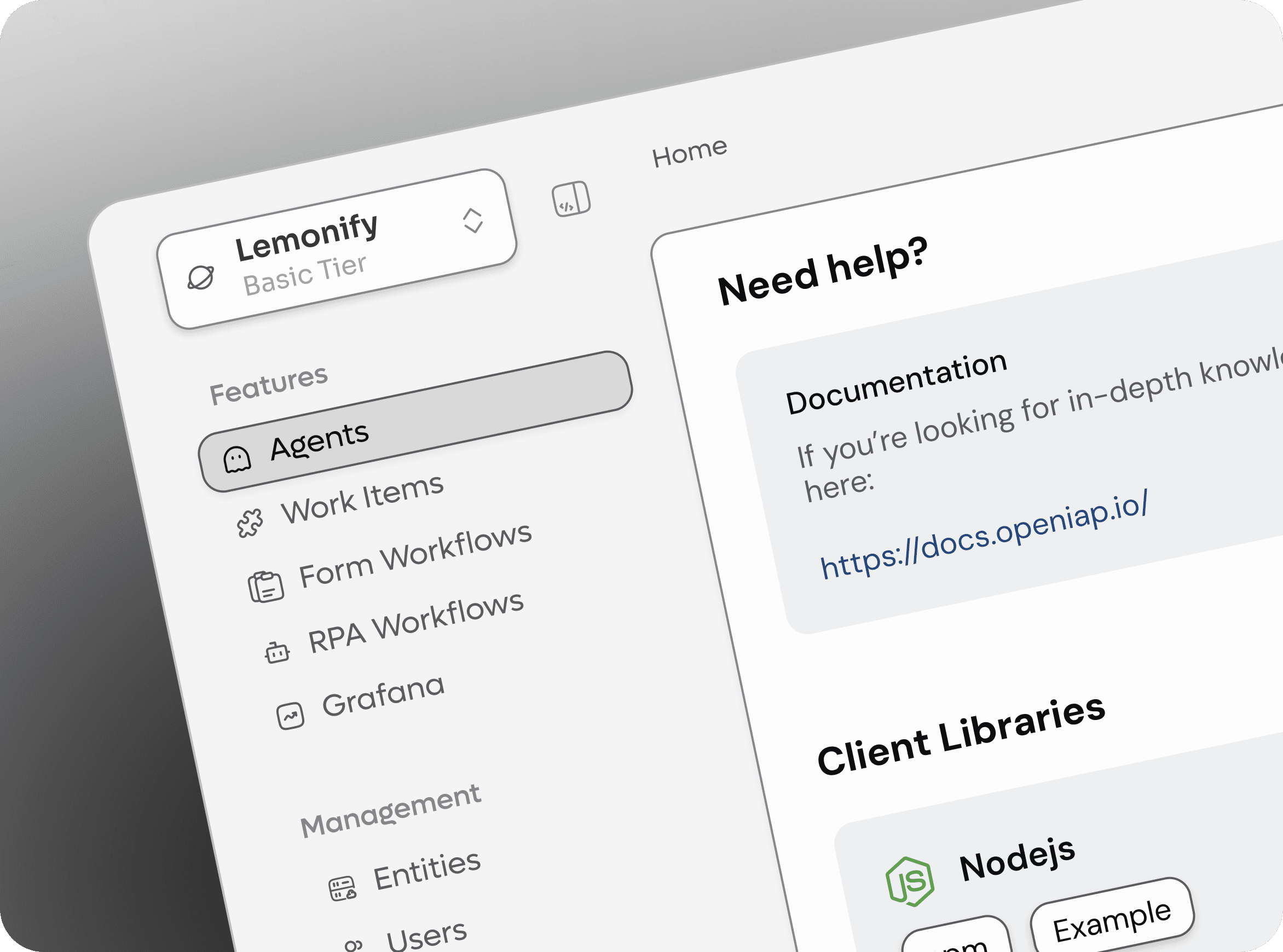
Product Design
UX/UI Design
Interaction Design
Usability Testing
User Interviews
Think Aloud Tests
Transforming a complex decision-making experience through user research and iteration
After the initial launch of one of the platform’s core product experiences, I took ownership of its continued evolution. The feature supports tens of thousands of users in making complex decisions based on multiple rules, dependencies, and possible outcomes.
Rather than simplifying the underlying system, my role was to make that complexity feel easier to understand and navigate. Through user research, rapid prototyping, and iterative design, I helped transform the experience into one of the platform’s most frequently used features.
Impact After Redesign
Some product experiences cannot become simpler. Instead, they need to make complexity feel manageable.
This project centred around improving a feature where users needed to compare multiple options, understand dependencies, and make confident decisions without becoming overwhelmed.
The underlying product logic was inherently complex. The design challenge was therefore not to reduce functionality, but to improve how information was organised, prioritised, and presented.
Initial research revealed recurring themes around information density and decision confidence.
While users recognised the value of the feature, many found it difficult to maintain an overview when exploring different possibilities.
The challenge became:
How might we help users navigate complex information with greater confidence, without removing the depth that makes the feature valuable?
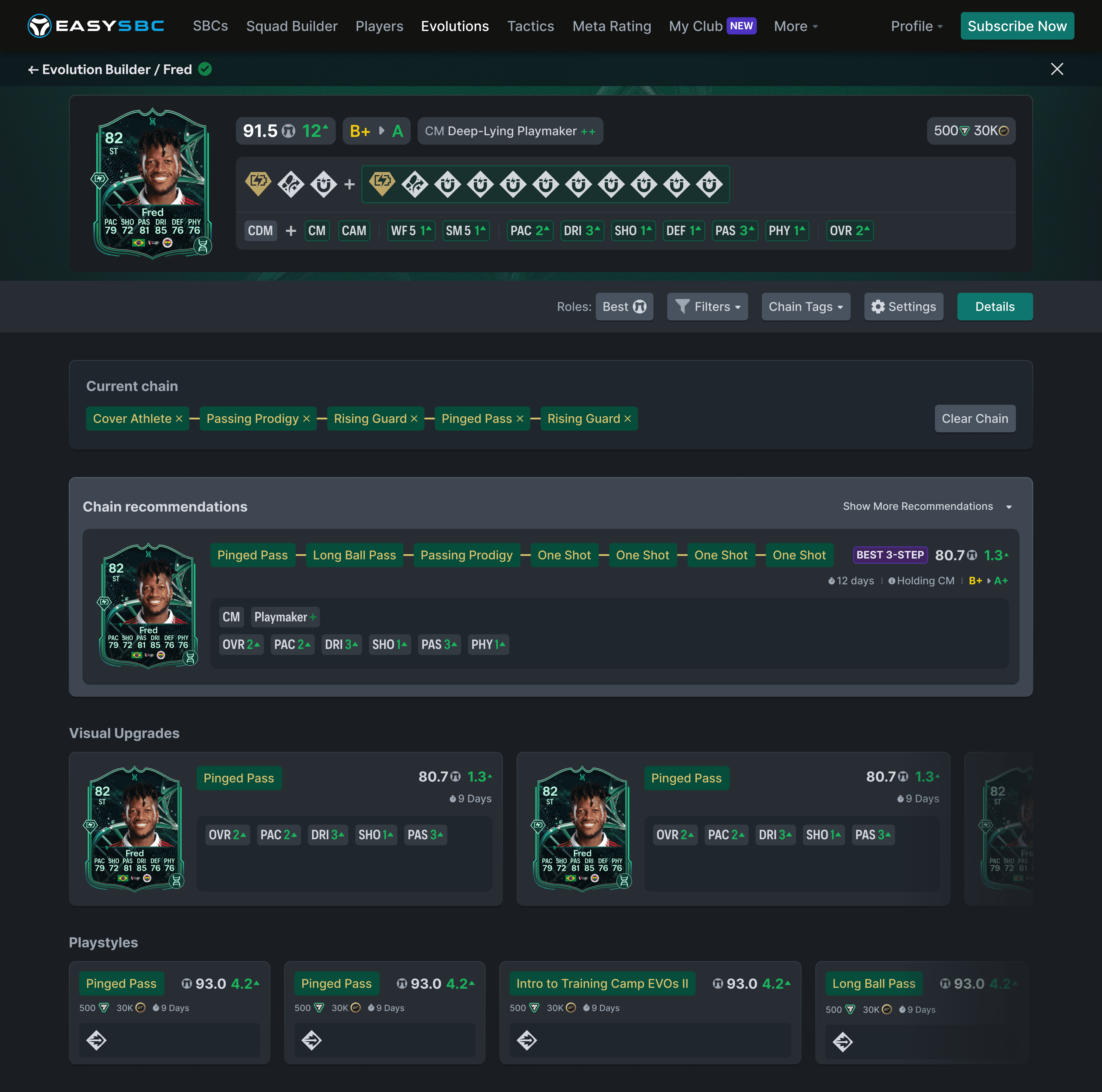
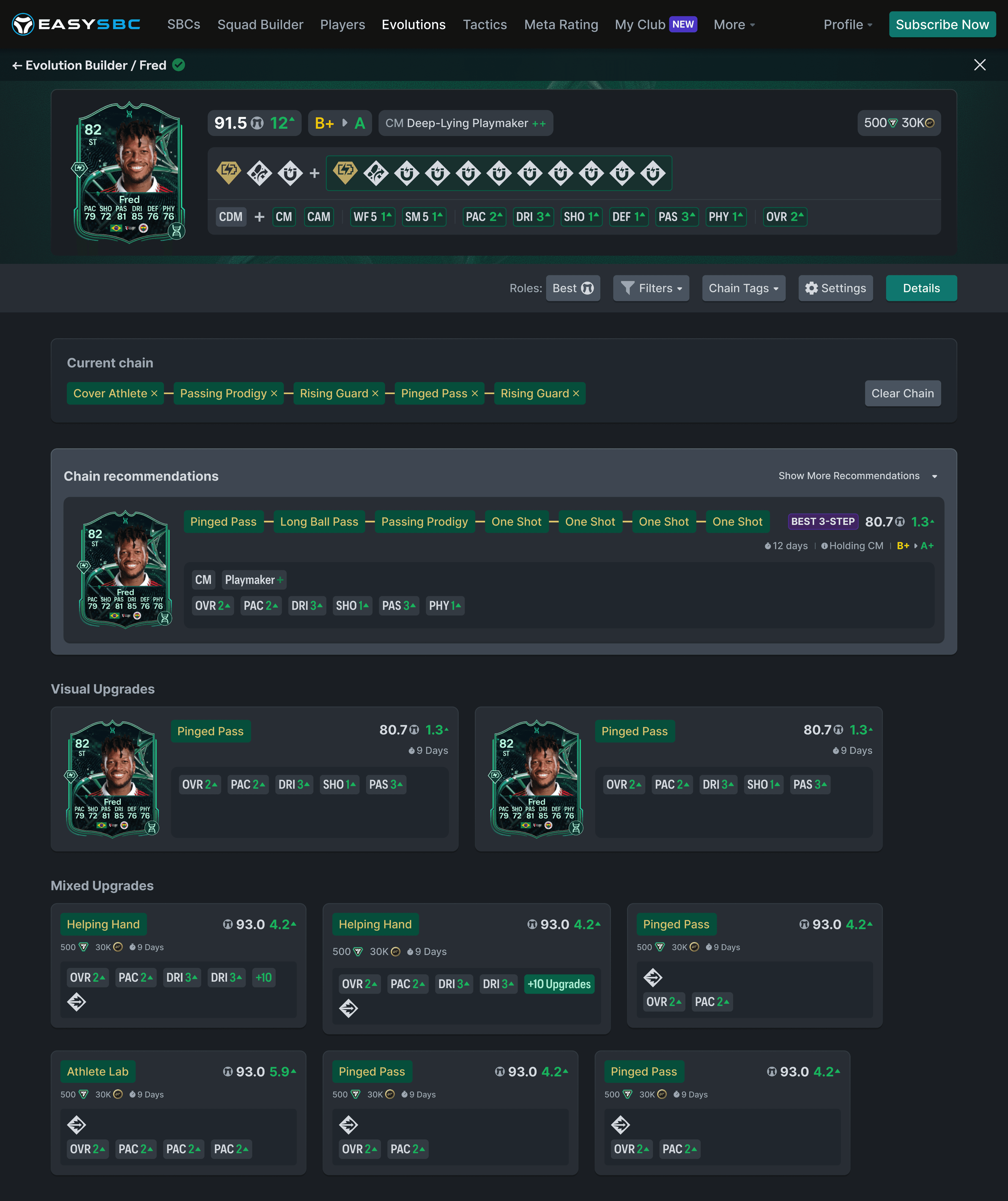
The usability testing revealed several recurring behavioural patterns that shaped the final design direction.
Reducing friction improved decision making
Participants consistently gravitated towards interaction patterns that made information easier to scan, compare, and navigate. Small reductions in friction had a noticeable impact on users’ confidence when exploring complex information.
Visual consistency supported comprehension
A more predictable and consistent interface helped participants build a stronger mental model of the experience. Rather than reducing the amount of information, improving its structure made the feature feel significantly easier to understand.
Context influenced user behaviour
The research also reinforced that interaction preferences are highly contextual. The most effective browsing patterns depended on how and where users engaged with the product, highlighting the importance of designing for different usage scenarios rather than relying on a single universal solution.
Together, these insights shifted the focus away from simplifying the product itself and towards creating an interface that made complexity feel more manageable.
The final design was shaped by the behavioural patterns that emerged throughout the research rather than by a single design concept.
The solution focused on improving clarity through stronger visual hierarchy, more consistent information architecture, and interaction patterns that revealed complexity progressively instead of presenting everything at once.
Rather than simplifying the underlying system, the goal was to help users navigate it with greater confidence by making information easier to scan, compare, and understand.
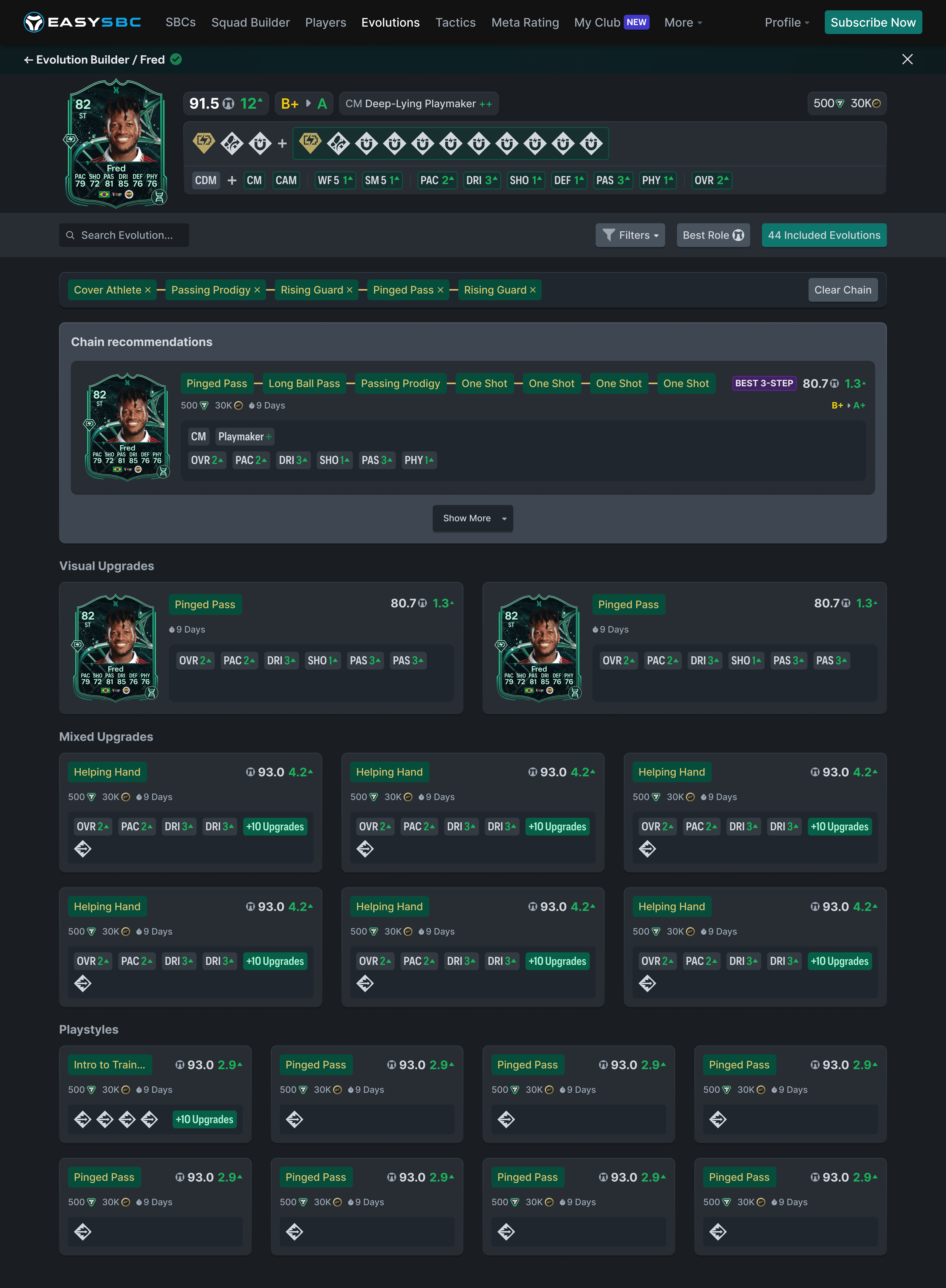
The redesign led to measurable improvements in user engagement.
This project reinforced an important lesson for me: designing for complex products is rarely about reducing complexity. More often, it is about organising information in a way that helps users feel confident while navigating it.
It also reminded me that strong design decisions rarely emerge from a single idea. Exploring multiple hypotheses, testing them with users, and allowing evidence to shape the final direction resulted in a stronger solution than committing to an approach too early.
Most importantly, the project demonstrated how research can act as a decision-making tool—not just a validation exercise. By grounding design decisions in user behaviour rather than assumptions, I was able to create an experience that felt more intuitive while preserving the depth of the product.
Ultimately, this project reinforced my belief that great product design is not about removing complexity—it is about making complexity feel understandable.
A3A3A3
525252